Heading level 2
Use ## for major chapter breaks within a project. Use sparingly — one or two per page at most.
Heading level 3
Use ### for section labels within a chapter. Good for separating Process, Material, Context etc.
Heading level 4
Use #### for fine-grained labels, e.g. a material name or a date. Rendered small and uppercase.
Body text
Regular paragraph text. Write naturally and let the line length and spacing do the work. Paragraphs are separated by a blank line.
You can use bold for emphasis and italic for titles, terms, or a quieter emphasis. You can also combine bold italic. Inline code is available but rarely needed on project pages.
Links look like this: Studio Lukas Klein. They inherit the text colour and gain an underline on hover.
Blockquote
Use > for a centered, large-format quote. One quote per page maximum — it works best as a visual pause.
“The material resists easy categorisation — it looks ancient and industrial at the same time.”
Lists
Unordered list:
- First item
- Second item
- Third item
Ordered list:
- First step
- Second step
- Third step
Images
Default markdown image
The simplest option. Paste a path after importing nothing. Renders at full content width (wider than the text column).
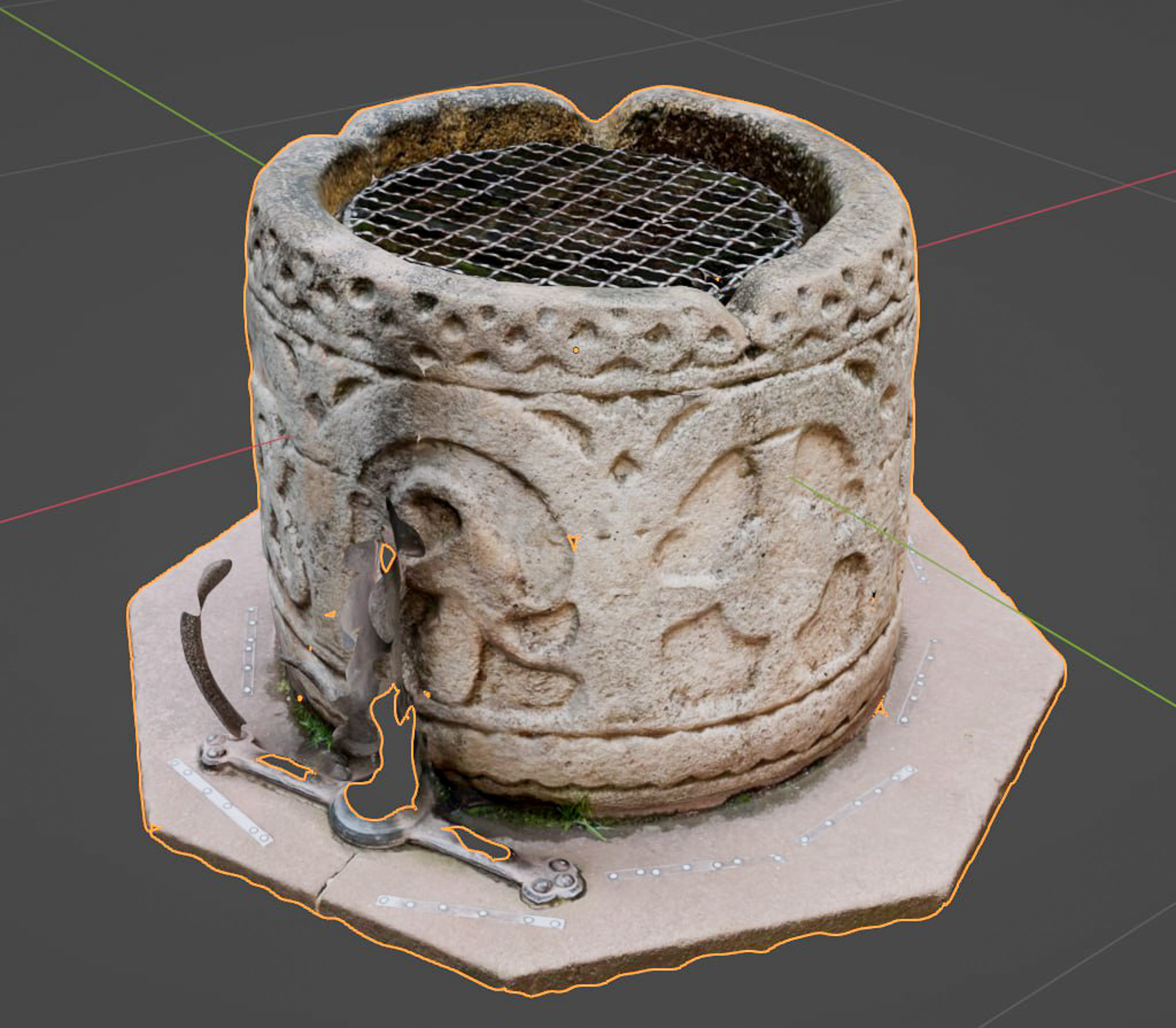
ImageText — text-column width
Use <ImageText> when you want the image constrained to the same width as the text. Ideal for detail shots, diagrams, or any image that would feel too large at full width. Caption is optional.
ImageFull — wide breakout
Use <ImageFull> for establishing shots or images where the full horizontal span matters. Stretches to the page wrapper edges. Caption is optional and re-aligns to the text column.

ImageDouble — two images side by side
Use <ImageDouble> for pairs of process photos, before/after shots, or material comparisons. Portrait 3:4 ratio by default. Stacks to a single column on mobile. One shared caption is optional.

Video
VideoVimeo — Vimeo embed
Use <VideoVimeo> for embedded video. Pass the numeric video ID from the Vimeo URL. For unlisted or private videos, also pass the hash value (the h= parameter from the share link).